A current phone films a celebration better than a ten-year-old camcorder and most of the reasons to hire someone have nothing to do with resolution. If you are going to do it yourself, these are the settings that matter and the mistakes that cost you the day.
What the phone does now
The iPhone 17 Pro carries three 48MP cameras: a main lens at 24mm, an ultra wide at 13mm and a telephoto at 100mm, with an 8x optical-quality zoom and digital zoom to 40x. It records ProRes RAW and Apple Log 2, and it has four microphones with wind noise reduction. That is a serious kit in a pocket.
The limit is not sharpness. A phone sensor is small, so it gathers less light than a camera lens, and the software that fixes that is doing guesswork. The other limit is you: a person holding a phone is a person not talking to their guests.
Know the roomWalk it before guests arrive and find where the light is.
Pick one jobStills or film, not both at once.
Charge everythingPhone, power bank, and a cable you have tested.
Five settings before the first guest arrives
These take ten minutes and they decide most of what you bring home.
01
Clean the lens
Glass · the first minute
A thumbprint on the lens softens every frame · flare appears in backlit shots · a shirt is not a lens cloth
Do instead: wipe the lens with a microfibre cloth before the ceremony and once halfway through. It is the cheapest fix on this page.
02
Brace the phone
Stability · before you record
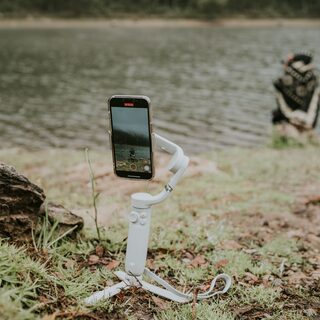
Handheld video shakes more than you think · a wall or table beats a steady hand · a cheap gimbal is optional
Do instead: lean on something solid, hold with both hands and keep your elbows in. For the ceremony, put the phone on a tripod and leave it running.
03
Lock focus and exposure
Exposure · every scene change
Auto exposure hunts when a window or a lamp enters the frame · a locked frame stops the flicker · tap and hold to lock, then drag to set brightness
Do instead: tap and hold on a face until the lock appears, then slide the exposure down so highlights hold. Repeat when you turn around.
04
Treat sound as half the film
Audio · vows and speeches
Phone mics pick up the room, not the speaker · wind ruins outdoor clips · moving closer is free
Do instead: record the vows from the front row, not the back. If a lapel mic is available for the speeches, use it and keep the phone close anyway.
05
Plan power and storage
Battery · the whole day
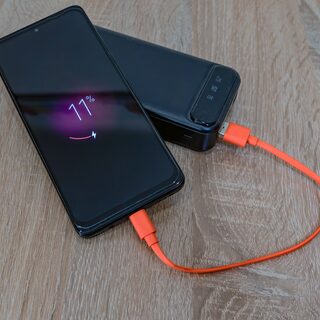
4K video fills storage fast · cold rooms drain batteries · one full charge does not cover a wedding
Do instead: clear space the night before, carry a charged power bank, and record the long ceremony at 1080p so the card lasts.
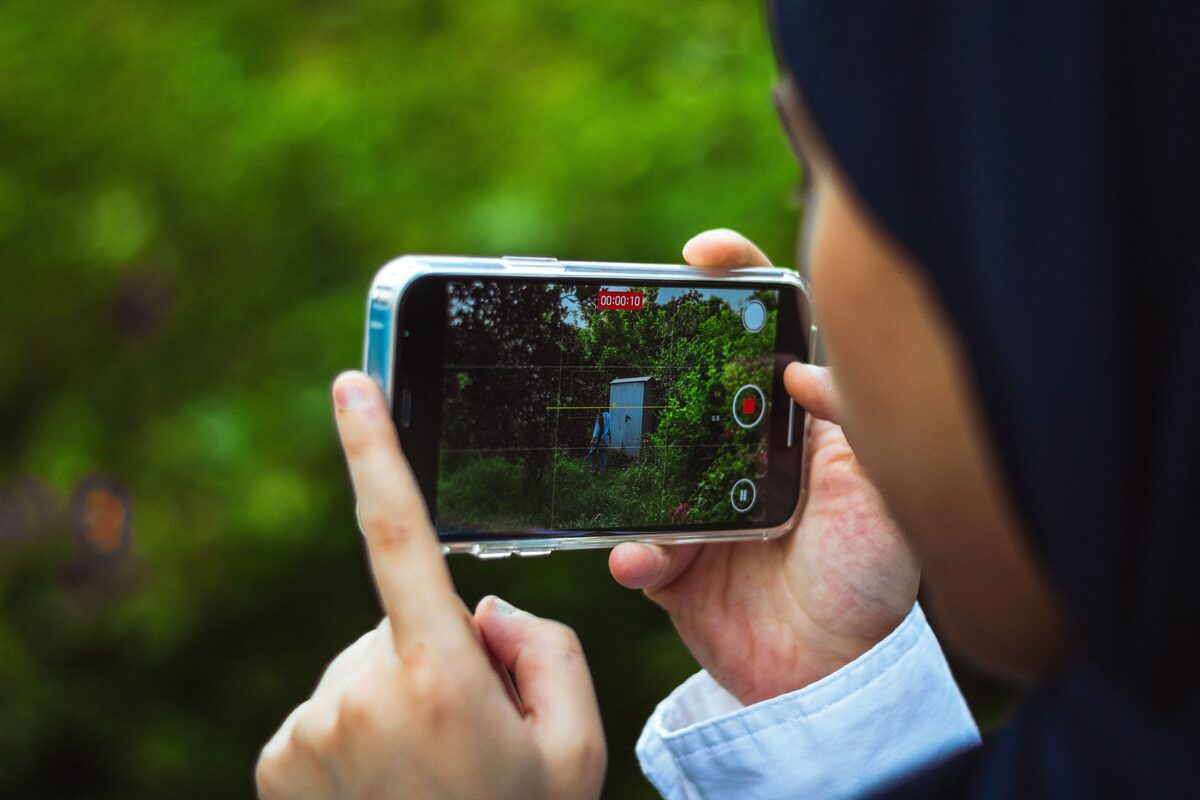
Recording at the venue, before the guests arrive. Photo: Ehaan Dewa / Pexels
Edit later, not on the night
Shoot flat and edit once. Filming with a strong filter baked in leaves you nothing to recover when the room turns warmer than you expected, and a phone screen is the worst place to judge colour.
Put the files on a computer the same week. A phone that fills up mid-reception starts deleting the oldest clips without asking, and the cloud backup may not have finished. Copy first, then cull.
Keep the clips you think are dull. The wide shot of the room, the shoes by the door, the table before the guests sit down: these are the frames that hold a sequence together, and they take ten seconds each.
Cut to the length people will watch, and cut the first ten seconds. Every phone clip starts with a hand reaching for the record button. A four-minute film of a four-minute toast is a recording, not an edit, and the guests will watch the short version twice.
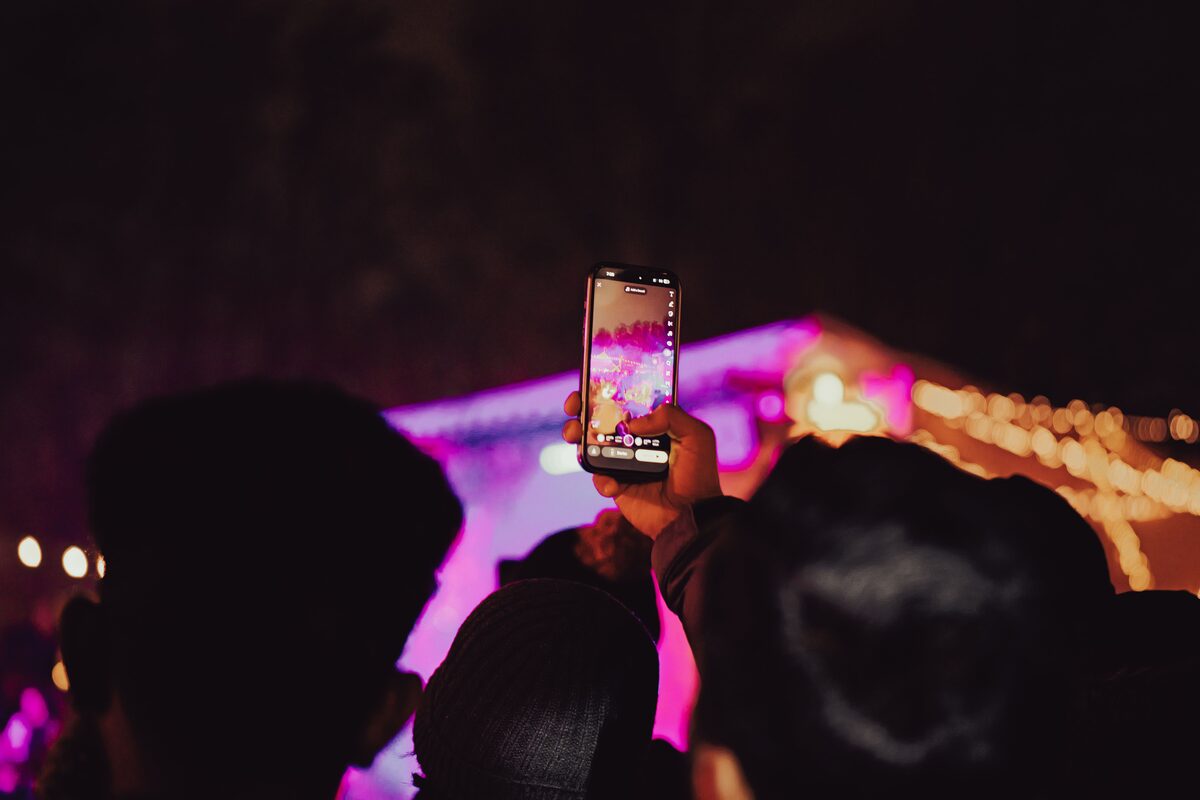
The frame everyone gets, and the one everyone has. Photo: selcuk sarikoz / Pexels
Where the phone still loses
The first is coverage. A wedding happens in two rooms at once: the getting-ready and the guests arriving. One person with one phone cannot be in both, and there is no second angle to cut to when something goes wrong.
The second is low light. A phone will brighten a dark room, but it does it by smearing detail and guessing at colour. The frames look acceptable on a screen and fall apart in a print.
The third is you. Holding a phone changes how you attend your own party. The best photographs of the day are usually the ones where nobody is looking at a device, including you.
And the fourth is the edit. A phone hands you a finished-looking file, which is not the same as a finished photograph. The grade, the crop and the sequence are where a set of clips becomes something you would frame.
If the day matters enough to film, it matters enough to decide who is filming it. The investment page has the honest numbers, and recent work shows what a second pair of eyes brings back.